Free Online Bcrypt Generator & Tester - Shripada.com
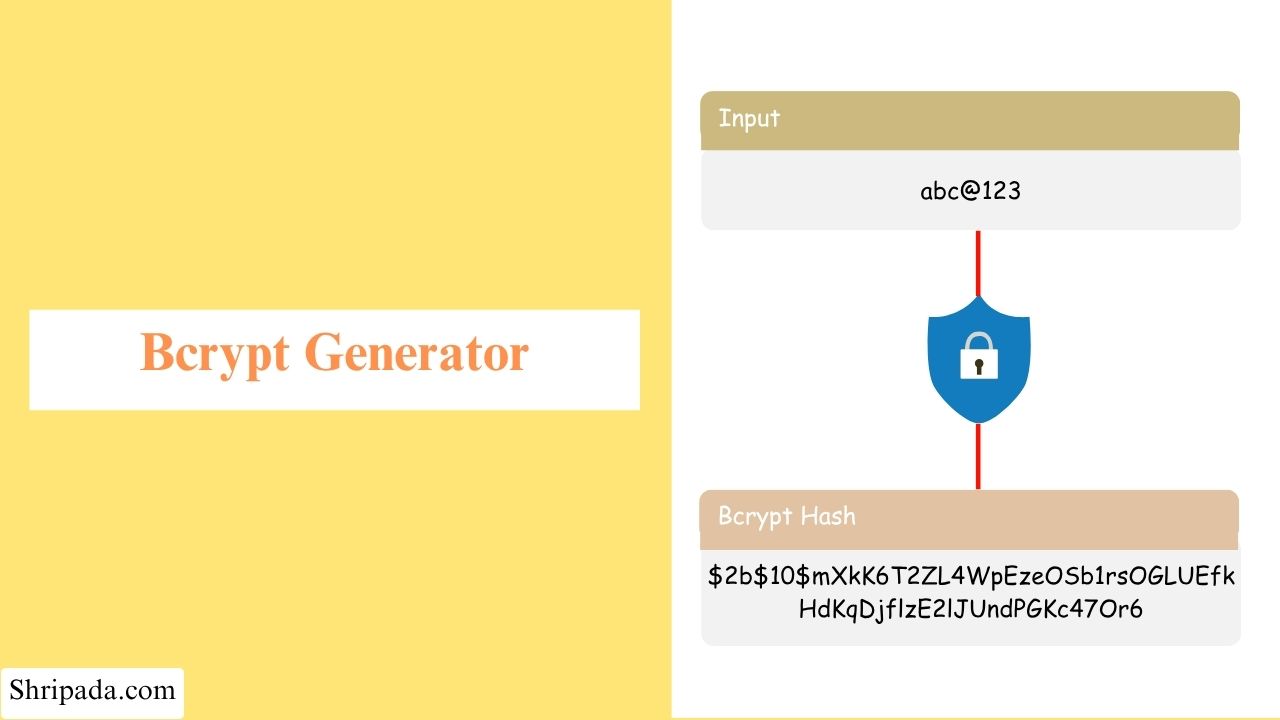
Bcrypt Generator & Tester Tool
Click to upload file or drag and drop
Plain text files only (.txt, .csv, etc.) - one entry per line. Binary files are not supported for bcrypt.File Uploaded
Details
| Input Length | 0 characters |
| Input Truncated? | --- |
| Cost Factor Used | --- |
| Time Taken | --- |
| Sr. No. | Text | Bcrypt Hash |
|---|
Batch Summary
| Summary | Value |
|---|---|
| Total Hashes | 0 |
| Cost Factor Used | --- |
| Total Time Taken | --- |
Password Matching
Checks whether a plaintext password matches a given bcrypt hash. This uses bcrypt's own comparison, not a plain string comparison - which is the correct way to verify a bcrypt hash.
Hash Validation
Checks whether the given text is a well-formed bcrypt hash (correct algorithm identifier, cost factor, salt, and hash length) - without needing the original password.
Hash Breakdown
| Algorithm Identifier | --- |
| Cost Factor | --- |
| Salt (22 chars) | --- |
| Hash Portion (31 chars) | --- |
| Total Length | --- |
Cost Factor Extractor
Extracts just the cost factor (number of salt rounds) that was used to generate a bcrypt hash, without needing the original password.
| Cost Factor | --- |
| Iterations (2^cost) | --- |
What is Bcrypt Generator?
A Bcrypt Generator is an online tool that converts a plain-text password into a bcrypt hash. It helps developers understand how password hashing works and generate bcrypt hashes for testing and development purposes.
Bcrypt is a password-hashing algorithm designed to protect passwords by making them difficult to crack through brute-force attacks. Instead of storing a user's actual password in a database, developers store its bcrypt hash.
For example, if a user creates an account with the password MyPassword123, the application generates a bcrypt hash and stores that hash instead of the original password. When the user logs in, the application checks the entered password against the stored hash to verify whether it is correct.
The Bcrypt Generator & Tester allows developers to generate bcrypt password hashes and test passwords against existing hashes in their browser.
How to Store Passwords Securely?
If you've ever built a login system, you've probably wondered how to store passwords safely. The answer is to never store passwords in plain text. Instead, applications store a bcrypt hash of each password.
This guide explains how bcrypt password hashing works, why it matters for secure password storage, and how to use the Bcrypt Generator & Tester for testing and development.
What Is Password Hashing Really?
Password hashing is the process of converting a plain-text password into a fixed-length string of characters called a hash. It is a one-way process, meaning you can generate a hash from a password, but you cannot reverse the hash to get the original password.
When a user creates an account, the application hashes their password and stores the hash instead of the original password. When they log in later, the application checks the entered password against the stored hash to verify whether it is correct.
This protects passwords if the database is breached because attackers get password hashes rather than the original passwords. However, password hashing is only effective when you use an algorithm specifically designed for password security, such as bcrypt.
Why Not Just Use MD5 or SHA-256?
MD5 and SHA-256 are also hashing algorithms. You may think they are good for storing passwords because they are available in almost every programming language.
But there is a problem! MD5 and SHA-256 are designed to be very fast. They are useful for things like checking whether a file has been changed, but they are not suitable for protecting passwords.
Why is fast hashing a problem?
Suppose an attacker gets a database containing hashed passwords.
Because MD5 and SHA-256 are very fast, the attacker can try billions of possible passwords every second using modern computers and GPUs.
Attackers can also use rainbow tables. These are precomputed lists containing common passwords and their hashes.
So, a fast hashing algorithm does not provide enough protection for passwords.
Why is Bcrypt better?
Bcrypt was specifically designed for password protection. It has two important features:
- Bcrypt is deliberately slow
- Bcrypt automatically uses a salt
1. Bcrypt is deliberately slow
Bcrypt has a cost factor that controls how much work it performs when creating a hash.
When the cost factor is increased, the amount of work required also increases. This makes it much harder and slower for an attacker to try millions or billions of passwords.
For example, an attack that can test a huge number of MD5 hashes very quickly can become extremely slow when using bcrypt.
2. Bcrypt automatically uses a salt
Every time you hash a password with bcrypt, it creates a random salt and uses it along with the password.
Because of this, the same password will produce a different hash every time.
For example:
- Password: hello123
- Hash 1: $2b$...
- Hash 2: $2b$...
Both hashes are different even though the password is the same.
This also makes rainbow tables ineffective, because attackers cannot simply create one precomputed hash for each password and reuse it.
The automatic use of salt is one of the things that can be confusing when you first use a bcrypt tool, so let's look at it separately.
How to Use Bcrypt Generator?
The bcrypt generator tool offer two mode:
- Bcrypt Generator
- Bcrypt Tester
1. Bcrypt Generator
The Bcrypt Generator lets you create bcrypt hashes from passwords or text.
1. Choose Input Mode
The tool provides two ways to enter your input. You can select one from the Input Mode dropdown.
- Text / Password Input: Enter one or more passwords directly into the text box. If you enter multiple passwords, put each password on a new line.
- File: Upload a plain text file, such as a .txt file containing test passwords. Each password should be on a separate line.
2. Choose a Cost Factor
The Cost Factor controls how much work bcrypt performs when creating a hash.
A higher cost factor means more computation, which makes password-guessing attacks slower.
| Cost Factor | Typical Use |
|---|---|
| 4-6 | Testing and development only. Too fast for production. |
| 8 | Small or low-traffic internal applications. |
| 10 | Good default for most applications. |
| 12 | Higher-security applications where slower logins are acceptable. |
| 14 | Very security-sensitive applications. Hashing takes noticeably longer. |
Each increase in the cost factor roughly doubles the amount of work.
For example, moving from cost 10 to cost 14 means about 16 times more work.
The goal is to make password guessing expensive for attackers while keeping login time reasonable for normal users.
2. Bcrypt Tester
The Bcrypt Tester is used when you already have a bcrypt hash and want to check or understand it.
It has three modes, which you can select from the Test Type dropdown.
1. Password Matching
This is the most common use.
- Enter plaintext password
- Enter bcrypt hash
The tool checks whether the password matches the hash.
Bcrypt's own comparison method is used for this. The tool does not simply compare the two strings because bcrypt uses a random salt.
This means the same password can produce different bcrypt hashes.
2. Hash Validation
This checks whether a given string looks like a valid bcrypt hash.
It checks important parts of the hash, such as:
- The bcrypt algorithm prefix
- The two-digit cost factor
- The 22-character salt
- The 31-character hash section
This can be useful when checking a hash copied from a database or when debugging a bcrypt integration.
3. Cost Factor Extractor
This extracts the cost factor from an existing bcrypt hash.
It also shows the number of internal iterations represented by that cost factor:
Iterations = 2^Cost
For example:
- Cost 10 = 1,024 iterations
- Cost 12 = 4,096 iterations
- Cost 14 = 16,384 iterations
This is useful when checking an existing system and finding out how strong its stored bcrypt hashes are.
You do not need to know the original password to extract the cost factor.
Where This Tool Fits?
This is a client-side tool, which means everything runs directly in your browser.
The passwords and other information you enter are not sent to a server.
This makes the tool useful for:
- Learning bcrypt: Understand how bcrypt works and inspect real bcrypt hashes.
- Generating test data: Create bcrypt hashes for testing an authentication system you are developing.
- Password checking: Quickly check whether a password matches an existing bcrypt hash while debugging.
- Checking cost factors: Find out which cost factor is being used by hashes from an older system.
- Validating hashes: Check whether a value copied from a configuration file or database is a valid bcrypt hash.