Online UUID Generator: V4 & V1 - Shripada.com
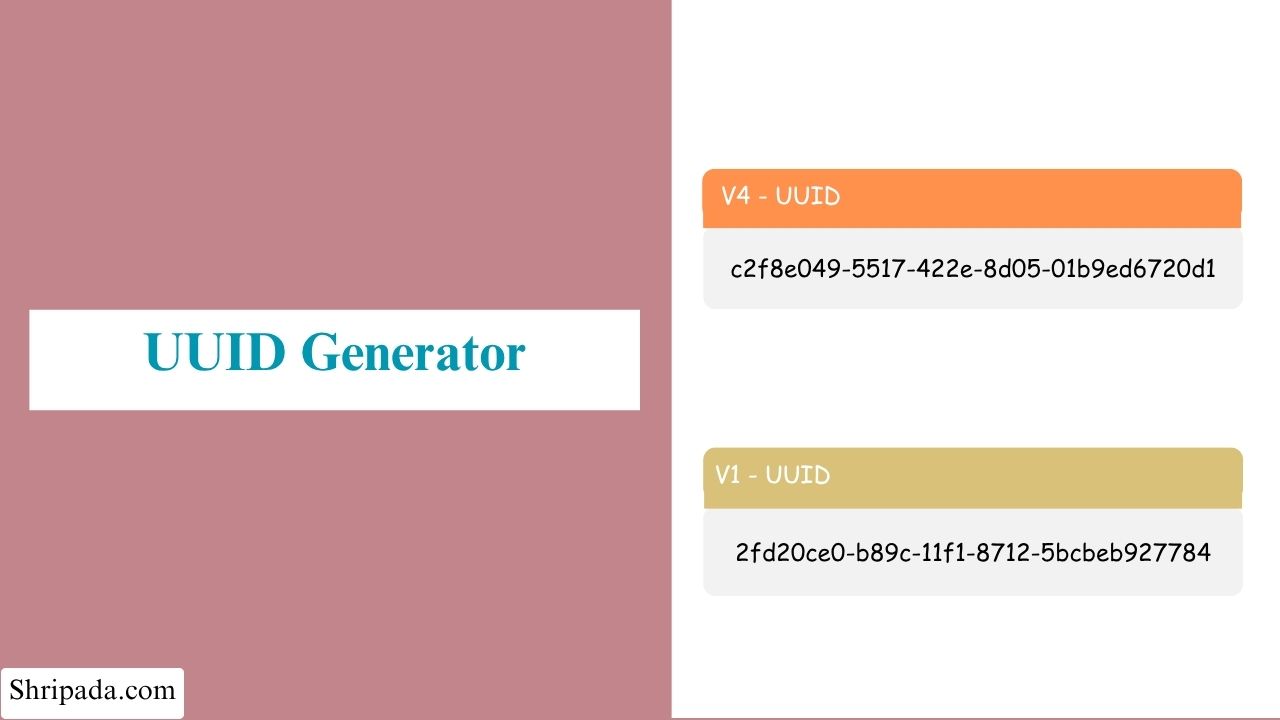
UUID Generator Tool
How to use
Generate multiple UUIDs at once. Perfect for bulk identifier creation.
| Sr. No. | UUID |
|---|
Batch Summary
| Summary | Value |
|---|---|
| Total UUIDs | 0 |
| First UUID | --- |
| Last UUID | --- |
What is a UUID?
Modern applications need a way to give each item a unique name or identifier. For example, a banking application may need unique IDs for database records, while a web application may use unique identifiers for sessions or other data.
A UUID (Universally Unique Identifier) is designed to solve this problem. A UUID Generator creates these unique identifiers automatically.
A UUID is a 128-bit identifier. It is usually written as 32 hexadecimal characters divided into five groups using hyphens.
The standard format is 8-4-4-4-12, for example:
f47ac10b-58cc-4372-a567-0e02b2c3d479This format is defined by the UUID specification used across different programming languages and environments, such as Python, Java, and browser-based applications.
Because a UUID contains 128 bits, there is a huge number of possible values, which approximately 340 undecillion (3.4 × 1038) combinations.
This huge number makes it possible to generate UUIDs independently on different computers or systems without using a central system to assign IDs. The chance of two independently generated UUIDs being the same is extremely small.
Why Not Just Use 1, 2, 3...?
Simple sequential numbers work well for some database tables. However, they can cause problems as an application becomes larger or starts using multiple systems.
1. Combining Data From Multiple Sources
Suppose two databases or microservices generate IDs starting from 1.
Both systems could create records with the same ID. The same problem can happen when an offline mobile application creates records and later synchronizes them with a server.
UUIDs allow each system to generate IDs independently without creating these conflicts.
2. Distributed Systems
In a distributed system, multiple servers may need to create IDs at the same time.
With sequential IDs, the servers may need to contact a central system to ask for the next available number. This additional communication can reduce performance at large scale.
UUIDs allow each server to generate IDs independently without waiting for a central counter.
3. Predictability
Sequential IDs are easy to predict.
For example, if someone sees an order with ID 1042, they may be able to guess nearby IDs such as 1041 or 1043. Sequential IDs can also reveal information about the order in which records were created.
Random UUIDs are much harder to predict because their values do not follow a simple sequence.
4. Safely Merging Records
UUIDs make it easier to merge or move records between systems because each record can keep its existing identifier.
With a small integer ID system, records may need new IDs when there is a conflict. UUIDs greatly reduce the chance of such conflicts.
Why Are UUIDs Useful?
UUIDs allow different machines and applications to generate identifiers independently without requiring a central ID generator.
Because the number of possible UUIDs is extremely large, the chance of generating the same UUID in two different places is extremely small.
This makes UUIDs useful for databases, APIs, distributed systems, applications, testing, and many other software projects.
Key Features of the UUID Generator
- Two UUID versions: Generate specification-compliant Version 4 (random) or Version 1 (time-based) UUIDs.
- Single or bulk generation: Generate one UUID at a time or create up to 500 UUIDs in a single batch.
- Case control: Choose between lowercase, which is the standard format, and UPPERCASE output.
- Optional hyphen removal: Remove hyphens to get a plain 32-character UUID when your system requires this format.
- One-click copy: Copy any generated UUID instantly without manually selecting the text.
- Bulk export: Download multiple UUIDs as TXT, JSON, or CSV files.
- Built-in uniqueness check: Each batch is checked for accidental duplicate UUIDs before the results are provided.
- 100% private: UUID generation happens locally in your browser using a cryptographically secure random source. Nothing is sent to a server.
- No installation or sign-up: The tool works directly in any modern browser.
UUID Versions Supported by This Tool
Not all UUIDs are generated in the same way. This tool supports two commonly used UUID versions: Version 4 (random) and Version 1 (time-based).
1. Version 4 - Random UUID
A UUID v4 is generated almost entirely using random bits. Two fixed bits identify it as Version 4, while the remaining 122 bits are generated using a cryptographically secure random number generator.
There is no predictable sequence in a properly generated v4 UUID, and it does not contain information about when or where it was created.
Common uses include:
- Primary keys in databases
- API keys and session identifiers
- File names for uploaded files
- Tracking IDs for requests and transactions
- Test data
A UUID v4 generator is therefore useful when an application needs randomly generated identifiers.
2. Version 1 - Time-Based UUID
A UUID v1 is based on the time when the UUID is created. It stores the creation timestamp with 100-nanosecond precision along with a node identifier.
On physical hardware, this node identifier has traditionally been based on the machine's MAC address.
Because UUID v1 contains time information, UUIDs generated this way can naturally be sorted by their creation time. This makes them useful for:
- Logs
- Event streams
- Systems where creation order is important
- Applications where you need to know which event happened first
How Does This Tool Handle the Node ID?
Web browsers do not allow JavaScript to access a computer's actual MAC address. This is a privacy protection built into modern browsers.
Because of this, the tool uses a secure random substitute node ID instead. This follows the UUID specification, which allows implementations to use an alternative node value when a real hardware address is not available.
The substitute node ID stays the same during the current page session. This means that UUID v1 values generated in the same session will use the same node segment, while their timestamp portion changes for every UUID.
The changing timestamp helps maintain uniqueness between UUIDs generated during the session.
Which UUID Version Should You Use?
- Version 1: Useful when you need UUIDs that contain creation-time information and can be sorted by when they were generated.
- Version 4: Useful when you want randomly generated UUIDs and broad compatibility with modern systems. It is commonly used for general-purpose UUID generation.
How to Use the UUID Generator?
Using the tool is simple:
- Pick a mode: Choose Single UUID for one UUID or Multiple UUIDs to generate up to 500 in one batch.
- Choose a version: Select Version 4 (Random) or Version 1 (Time-based).
- Set the case: Choose lowercase or UPPERCASE.
- Remove hyphens if needed: Generate a plain 32-character string instead of the standard hyphenated format.
- Click Generate: The tool creates your UUID immediately.
- Copy or download: Copy the result with one click or download the complete batch as TXT, JSON, or CSV.
You can generate UUID online without installing any software or creating an account.
Who Can Use This Tool?
This tool can be useful for anyone who needs unique identifiers, whether they are working with code or simply need a unique value for a project.
- Software developers: Generate primary keys, API keys, correlation IDs, and object identifiers while building applications.
- Backend and database engineers: Create UUIDs for database schema design, migrations, or seeding new tables.
- QA and test engineers: Generate large batches of unique test data, such as user IDs, order IDs, and session identifiers.
- DevOps and SRE teams: Generate trace IDs, request IDs, and deployment identifiers for logging and observability systems.
- Students and educators: Learn how UUIDs are structured and understand the difference between time-based and random UUIDs through hands-on use.
- Product and QA teams: Quickly generate a unique value during manual testing without opening a terminal or writing code.
- General users: Generate a unique string for a spreadsheet, document, file name, or one-time project.
Are These UUIDs Actually Guaranteed to Be Unique?
In UUID terminology, "unique" does not mean mathematically impossible to duplicate. It means that the probability of two properly generated UUIDs being the same is extremely small.
For Version 4 UUIDs, there are about 2¹²² possible values because 122 bits are available for randomness. Based on the birthday paradox, you would need to generate roughly 2.7 quintillion UUIDs before the probability of at least one collision reaches about 50%.
To put this into perspective, even generating 1 billion UUIDs every second for 100 years would still not come close to that scale.
Built-In Duplicate Check
This tool also includes an additional safety check for bulk generation.
When you generate a batch of UUIDs, the tool checks each new UUID against the UUIDs already generated in that batch. If the extremely unlikely event of a duplicate occurs, the tool generates a new UUID instead.
This means the UUIDs provided in a generated batch are collision-free within that batch.