Online JSON Minifier - Shripada.com
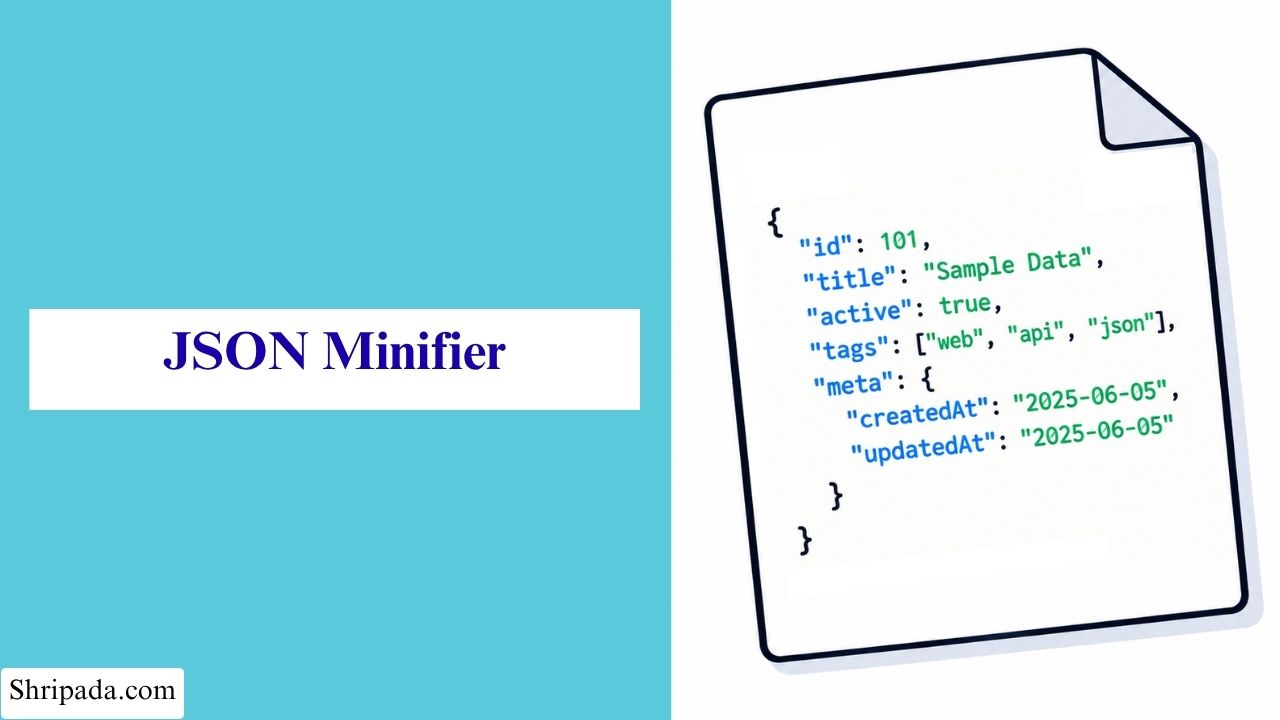
JSON Minifier Tool
Click to upload file or drag and drop
Plain text JSON files (.json, .txt)File Uploaded
Invalid JSON
Minified JSON Result
Minified JSON
Size Summary
| Original Size | --- |
| Minified Size | --- |
| Bytes Saved | --- |
| Reduction | --- |
What is JSON Minifier?
A JSON Minifier is an online tool that removes unnecessary spaces, indentation, and line breaks from a JSON file. These extra spaces make JSON easier for humans to read but are not required for the data to work.
The JSON Minifier reduces the size of your JSON file while keeping the same data and structure. This makes the JSON easier to store, transfer, and use in applications.
For example, a JSON file exported from a database tool may contain extra spaces and line breaks. The JSON Minifier removes these unnecessary characters and converts the file into a smaller, valid JSON format.
What Does "Minifying" JSON Actually Mean?
JSON minification means removing unnecessary formatting from a JSON document without changing its data or meaning. A JSON Minifier removes:
- Line breaks between properties.
- Indentation, including spaces and tabs.
- Extra spaces after colons and commas.
- Other unnecessary formatting whitespace.
The data remains exactly the same. Every key, value, and array element stays unchanged.
JSON minification is not the same as compression or optimization. A minifier only removes unnecessary whitespace.
For example, if you parse the original JSON and the minified JSON, both will produce identical objects. The only difference is that the minified version uses less space.
Why Should You Minify JSON?
For a small JSON configuration file on your laptop, minification may not make much difference. But when JSON data is sent across a network millions of times a day, even small savings can add up.
Here are some reasons why JSON minification is useful.
1. API Responses
When an API returns JSON with pretty-printing enabled, it includes extra spaces and line breaks in every response.
These extra bytes increase the amount of data sent over the network. For APIs that handle many requests, minifying JSON can reduce unnecessary bandwidth usage.
2. Page Load Time
JSON data is often included in webpages. For example:
- Configuration objects.
- Initial data for JavaScript frameworks.
- Translation files.
The browser must download this data before it can use it. Smaller JSON files reduce the amount of data the browser needs to download, which can help improve page loading.
3. Storage and Caching
Minified JSON takes up less space. This allows more data to fit into:
- CDN caches.
- Memory.
- Database columns with size limits.
4. Mobile Networks
On slow or limited-data mobile connections, unnecessary whitespace increases the amount of data users need to download.
Minifying JSON reduces this extra data, which can help save bandwidth for users.
Why Is JSON Minification Commonly Used?
Each individual saving may be small, but the benefits become more noticeable when JSON is used frequently.
Minification does not change the actual data. It only removes unnecessary formatting, and the process can be automated.
This makes JSON minification a simple way to reduce data size in APIs and build pipelines without changing how the data works.
How to Use JSON Minifier?
To Minify your JSON, first you have to choose how you want to provide your JSON data.
1. Choose Input Format
The json minify online tool provides a Choose Format dropdown with two options:
- Code: Paste your JSON directly into the text box. This is useful when you already have a small JSON snippet that you want to minify.
- File: Upload a .json or .txt file. The tool reads the file as text and supports both UTF-8 and UTF-16 encoding.
2. Click "Minify JSON"
After you enter your JSON code or upload a file, click the Minify JSON button.
The tool will check whether your JSON is valid.
If the JSON Is Valid
If your JSON is valid, the tool generates a clean, single-line version of the JSON.
You will also see a size summary showing the difference between the original and minified JSON.
A Download JSON button lets you save the minified result as a .json file. You can then use the file in your project or API response.
If the JSON Is Invalid
If your JSON contains an error, the tool does not simply show a generic error message. Instead, it shows:
- The exact line where the error occurred.
- The exact column where the problem was found.
- The underlying JSON parser error message.
For example, the error message may say "Unexpected token" or "Expected double-quoted property name".
JSON Minifying vs. JSON Formatting
JSON minification and JSON formatting do opposite things.
JSON Formatting
A JSON formatter takes compact JSON and adds spaces, indentation, and line breaks. This makes the JSON easier for humans to read.
JSON Minifying
A JSON minifier takes readable JSON and removes unnecessary spaces, indentation, and line breaks. This makes the JSON more compact.
In general, compact JSON is useful when the data is being used by machines, such as APIs, Build output, Storage.
Readable JSON is more useful when people need to view or edit it directly, such as:
- Source-controlled configuration files.
- Documentation examples.
A JSON Minifier is mainly useful when you need the compact version of your JSON.
JSON Minifier Common Use Cases
A JSON Minifier can be useful in several situations.
1. Reducing API Response Size
Minify API responses before serving them, especially for high-traffic APIs. When an endpoint receives a large number of requests, even a small reduction in each response can reduce the total amount of data sent.
2. Preparing Files for Production
You can edit configuration or data files in a properly formatted and readable form during development. Before using them in production, you can minify them to remove unnecessary formatting.
3. Embedding JSON in HTML or JavaScript
When JSON is embedded directly in HTML or JavaScript, extra spaces and line breaks usually provide no benefit to the browser. Minifying the JSON can reduce the amount of data added to the page.
4. Quickly Validating JSON
You can also use the tool to check whether your JSON is valid.
Even if you do not need the minified output, running the JSON through the tool can quickly confirm whether its syntax is correct. If there is an error, the tool provides its exact location.
5. Comparing File Sizes
You can compare the file size before and after minification. This helps you see how much of a formatted JSON file's size comes from unnecessary formatting.
What Minification Won't Do?
JSON minification is useful for removing unnecessary formatting, but it does not change or compress the actual data.
1. It Won't Shrink the Data Itself
If your JSON contains large values, such as long strings, large numbers, or deeply repeated structures, minification cannot remove that content.
For significant size reduction, you can use gzip or Brotli compression at the network layer.
Minification can still help with compression because it removes unnecessary whitespace before the compression algorithm processes the data.
2. It Won't Fix Invalid JSON
The tool checks your JSON and tells you where a syntax error exists, but it does not automatically fix the error.
3. It Won't Preserve Comments
Standard JSON does not support comments. Therefore, JSON containing comments such as // comment or /* comment */ will be rejected as invalid JSON.