Code 128-A Barcode Generator (Single or Bulk) - Shripada.com
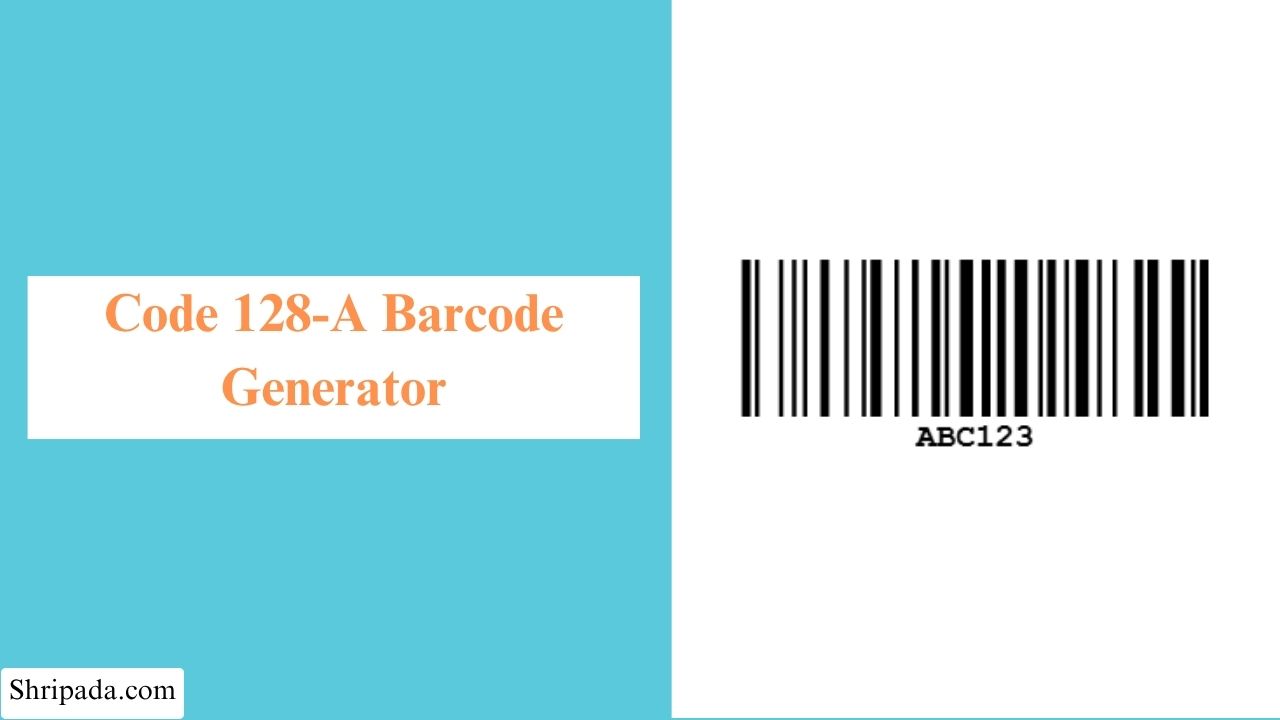
Code 128A Barcode Generator Tool
What Is a Code 128A Barcode?
Code 128A is a high-density linear barcode format that belongs to the Code 128 barcode family. It is designed to encode uppercase letters, numbers, spaces, control characters, and various symbols in a compact, machine-readable format.
Code 128A is commonly used for applications where data contains uppercase alphanumeric characters and control or special characters. Its high-density encoding allows useful information to be stored in a relatively small barcode.
Common applications include:
- Shipping labels
- Carton identification
- Warehouse inventory
- Manufacturing
- Asset management
- Serial numbers
- Machine-readable IDs
- Logistics and tracking
This tool is specifically designed for Code 128A. It allows you to create single or multiple Code 128A barcodes, automatically calculates the required checksum, and lets you download the generated barcodes as PNG or SVG files.
Why Is Code 128A Called High-Density?
Code 128A can encode information efficiently in a relatively compact barcode.
Compared with older barcode formats such as Code 39, Code 128A generally provides higher data density. This makes it useful when barcode labels have limited space but still need to contain machine-readable information.
What Does Code 128A Support?
Code 128A supports a defined set of characters, including:
- Digits 0–9
- Uppercase letters A–Z
- Space
- Control characters
- Standard punctuation and symbols
Code 128A does not directly support lowercase letters as lowercase characters.
Key Features of the Code 128A Generator
1. Automatic Mandatory Checksum
Every generated Code 128A barcode includes the required Modulo 103 check character.
There is no separate checksum switch because the checksum is part of the Code 128 structure.
2. Automatic Uppercase Conversion
Enter text in lowercase, uppercase, or mixed case.
The tool automatically converts lowercase letters to uppercase because Code Set A does not support lowercase characters.
For example:
Part-abc123
becomes:
PART-ABC123
3. Live Input Filtering
Characters that are not supported by the tool's Code Set A input are blocked or filtered as you type.
This helps prevent invalid data from being used to create a barcode.
4. Correct Code 128 Symbol Patterns
The generator uses the Code 128 symbol table and the appropriate Code Set A patterns.
This is important because Code 128 uses specific variable-width bar and space patterns rather than a simple wide/narrow system.
5. Customizable Barcode Appearance
You can customize barcode width, height, bar & background color
6. Download
You can download barcodes as PNG, SVG, ZIP and Excel format.
Who Can Use a Code 128A Barcode Generator?
A Code 128A barcode generator can be useful for different types of users and applications where compact, machine-readable identification is required.
- Businesses and retailers — Create barcodes for product labels, inventory items, and internal tracking.
- Warehouses — Label boxes, shelves, packages, and inventory for faster scanning.
- Manufacturers — Use barcodes to identify products, components, and production items.
- Libraries and offices — Create identification labels for documents, files, equipment, and assets.
- Developers and testers — Generate Code 128A barcodes for testing barcode-scanning applications and systems.
- Small businesses and individuals — Create simple barcodes for organizing personal or business items
How to Use the Code 128A Barcode Generator
You can generate a single Code 128A barcode or create multiple barcodes in batch mode. Follow these simple steps.
1. Single Barcode
- Code 128A Barcode Text: Enter the text or data you want to convert into a Code 128A barcode.
- Width (px): Enter the desired width of the barcode in pixels.
- Height (px): Enter the desired height of the barcode in pixels.
- Bar Color: Select the color for the barcode bars.
- Background Color: Select the background color of the barcode.
- Generate the Barcode: Click the generate option to create your Code 128A barcode.
2. Multiple Barcode
- Batch Title: Enter a title to identify your batch of barcodes.
- Barcode Texts (one per line): Enter each barcode text on a separate line. The tool will create a separate Code 128A barcode for each line.
- Width (px): Set the width of the generated barcodes in pixels.
- Height (px): Set the height of the generated barcodes in pixels.
- Bar Color: Select the color for the barcode bars.
- Background Color: Select the background color for the barcodes.
- Generate the Barcodes: Generate the batch to create multiple Code 128A barcodes at once.
Why Is Code 128 Useful for Shipping?
Shipping labels often contain identifiers that need to fit into a limited amount of space.
Code 128's high-density encoding makes it possible to represent useful alphanumeric data in a relatively compact barcode.
This is one reason Code 128 is widely used in logistics and supply-chain environments.
However, the exact barcode format required by a shipping company or logistics system may be more specific than simply using Code 128A.