MD5 Hash Generator Online - Shripada.com
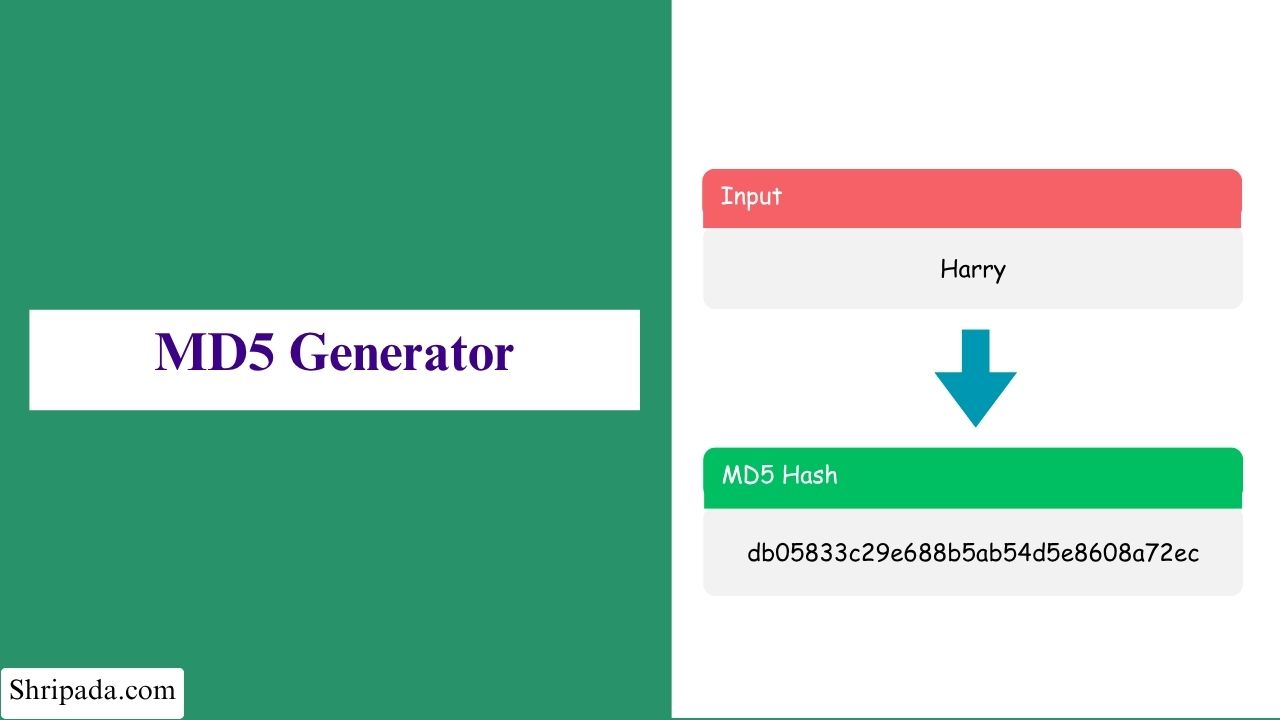
MD5 Generator Tool
Click to upload file or drag and drop
Only plain text (.txt) and CSV (.csv) files are supported.File Uploaded Successfully
MD5 Hash Result
MD5 Hash
Input Details
Text Length: 0 characters
Output Format: Uppercase
What is an MD5 Generator?
An MD5 Generator is an online tool that processes text or files using the MD5 (Message Digest 5) algorithm and generates a 32-character hexadecimal hash.
The generated hash works like a digital fingerprint of the input. If even one character in the input changes, the resulting hash will be different.
MD5 hashes can be used for tasks such as:
- Checking whether data has changed.
- Creating checksums.
- Identifying or comparing content.
About the MD5 Generator Tool
The tool works completely in your browser. Your text or file is processed on your device and is not uploaded to a server.
The tool supports two modes:
- Text Hash: Enter text directly and generate its MD5 hash.
- File Checksum: Upload a .txt or .csv file and generate its MD5 hash.
The tool can also handle multi-line input. You can choose to generate a separate hash for each line or generate a single hash for the complete content.
For applications that require stronger security, use SHA-256 or another modern hashing algorithm.
What Use of MD5 Generator?
The MD5 Generator can be useful for several tasks:
- Checking data integrity: Verify whether a file or data changed after being transferred by comparing its checksum.
- Creating individual hashes: Generate and maintain separate hashes for entries in bulk data, such as a CSV list.
- Learning hashing: Understand basic cryptographic hashing concepts through practical examples.
- Testing and QA: Quickly generate fingerprints for sample data during testing and quality assurance.
- Offline text hashing: Convert text into an MD5 hash directly in your browser without installing additional software.
How to Use the MD5 Generator?
Using the MD5 Generator is simple. Follow these steps:
1. Choose the Input Format
Select an option from the Choose Format dropdown:
- Text Hash: Generate an MD5 hash from text.
- File Checksum: Generate an MD5 hash from a file.
2. Enter or Upload Your Data
In Text Hash mode, type or paste your text into the textbox.
In File Checksum mode, upload a .txt or .csv file. You can either click to select the file or drag and drop it into the tool.
3. Choose the Input Mode
If your input contains multiple lines, select how you want the tool to process them:
- Single Text: Generate a separate hash for each line.
- Continuous Text: Treat the complete content as one piece of text and generate a single hash.
4. Choose the Output Format
Select whether you want the MD5 hash in Uppercase or Lowercase.
5. Generate the MD5 Hash
Click the Generate MD5 button. The generated hash will appear immediately on the screen.
You can use the tool to generate an MD5 hash online without installing additional software.
6. Copy or Download the Result
Use the copy icon to copy the generated hash, or download the results in TXT, JSON, or CSV format.
Features of the MD5 Generator
The MD5 Generator includes several useful features for working with text and files.
1. Two Input Modes
Supports both Text Hash and File Checksum.
2. Single or Continuous Hashing
Generate a separate hash for each line or one combined hash for the complete content.
3. Smart File Detection
Automatically detects common text encodings such as UTF-8, UTF-16LE, and UTF-16BE. It also shows the number of lines found in the file.
4. Binary-Safe Fallback
If a file cannot be read correctly as text, the tool generates the checksum from the file's raw bytes. This preserves the exact file data without changing or losing any bytes.
5. Uppercase or Lowercase Output
Choose the hash format that matches your requirements.
6. One-Click Copy
Copy the generated hash directly to your clipboard.
7. Multiple Download Formats
Save the results as TXT, JSON, or CSV files.
8. Keyboard Shortcut
Press Ctrl + Enter to generate the hash quickly.
9. 100% Client-Side Processing
All processing happens in your browser. Your data is not sent to a server.
Who Can Use This Tool?
The MD5 Generator can be useful for:
- Developers who want to check data integrity after transferring files.
- Students and beginners who want to learn cryptographic hashing through practical use.
- QA and testing teams that need to maintain hash records for bulk data.
- Content and data managers who want to compare hashes to help identify duplicate content.
- General users who need a quick and private way to generate an MD5 hash for text or files.