Code 128-B Barcode Maker (Single or Bulk) - Shripada.com
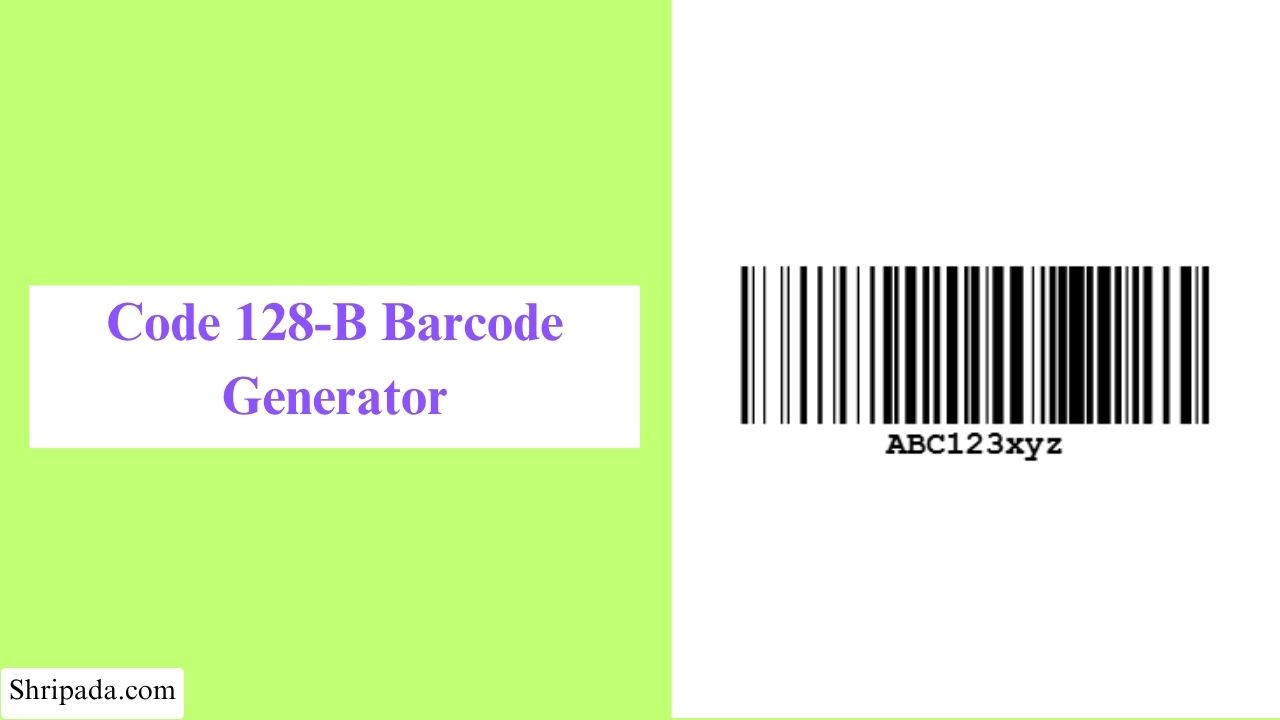
Code 128B Barcode Generator Tool
What Is Code 128B Barcode?
Code 128B is a barcode format designed for encoding printable text, including both uppercase and lowercase letters, numbers, spaces, and common symbols.
It is one of the three character subsets used by the Code 128 barcode standard. While the three subsets belong to the same barcode family, each is designed for a different type of data.
Code 128B is especially useful when the original text contains a mixture of characters and letter case needs to remain unchanged.
For example, a value such as: Order-Ab52X
contains uppercase letters, lowercase letters, and numbers. Code 128B can encode this type of printable text without requiring the lowercase characters to be changed to uppercase.
It supports the printable ASCII characters from space (ASCII 32) through tilde (ASCII 126), giving it access to letters, numbers, punctuation, and common keyboard symbols.
Some examples of data that can be encoded using Code 128B include:
- Product-AB123
- product-ab123
- Invoice#2026
- Order_45-A
- Ticket@123
The important point is that uppercase and lowercase characters are treated as different characters. So ABC123 and abc123 represent different input values when encoded.
Code 128A vs Code 128B
Code 128A and Code 128B are both subsets of the Code 128 barcode standard, but they support different character ranges.
The main difference is which characters can be encoded.
- Code 128A: Uppercase letters, numbers, and supported control characters
- Code 128B: Uppercase and lowercase printable text
- Code 128C: Numeric data that benefits from digit-pair encoding
Code 128B vs Code 39
Both Code 128B and Code 39 can be used for alphanumeric identification, but they differ in character support and barcode density.
Code 128B supports the complete printable ASCII range from ASCII 32 to 126, including uppercase letters, lowercase letters, numbers, spaces, punctuation, and common symbols.
Code 39 supports a more limited character set and generally requires more barcode space for the same amount of data.
As a result, Code 128B can be useful when you need to encode mixed-case text while keeping the barcode relatively compact.
Code 128B Check Character
Every standard Code 128 barcode contains a Modulo 103 check character.
The check character is calculated from the start character and the encoded data using the Code 128 weighting method.
The basic structure is:
Start-B → Data → Check Character → Stop
You don't need to enter the check character manually. The generator calculates it automatically when creating the barcode.
Code 128B Character Support
One of the main reasons to use Code 128B is its support for printable ASCII characters.
It can encode:
- Uppercase letters: A–Z
- Lowercase letters: a–z
- Numbers: 0–9
- Spaces
- Punctuation
- Common keyboard symbols
For example: OrderRef-aB123
can be encoded while retaining the difference between uppercase B and lowercase a.
Code 128B Generator Features
The generator provides several options for creating and managing Code 128B barcodes.
1. Case-Sensitive Text
Enter mixed-case values without converting them to uppercase.
2. Character Validation
The generator can check the entered data against the characters supported by Code 128B, helping prevent unsupported input from being used to create an invalid barcode.
3. Custom Barcode Size
You can adjust the barcode dimensions such as, width & height according to your requirements.
4. Custom Colors
The appearance can also be adjusted using Bar color & Background color.
5. Multiple Barcode Generation
If you need to create several bulk barcodes, you can enter one value per line.
For example:
- OrderRef-AB123
- TicketRef-4521a
- Invoice-2024/Q3
- Product-XyZ789
The generator can process these values together instead of requiring you to create each barcode individually.
6. PNG and SVG Download
A generated barcode can be downloaded in PNG & SVG image format.
7. Batch Export
For multiple barcodes, batch export can make it easier to save the generated results together. Depending on the available export options, this may include barcode images in a ZIP file or barcode data with previews in an Excel file.
Common Uses of Code 128B
Code 128B works well for identifiers that contain printable text and may use both uppercase and lowercase characters.
1. Order and Ticket References
A reference such as, "TicketRef-4521a" can contain mixed-case text that needs to remain unchanged.
2. Software License Keys
Some license keys and activation codes use a combination of uppercase and lowercase characters.
For example: Lic-Ab52X9
If the system treats uppercase and lowercase characters differently, preserving the original value is important.
3. Document and File References
Text-based identifiers can also contain mixed-case characters and punctuation.
Example: Report-Final-v2
Code 128B can represent this printable text.
4. Product and Inventory Codes
Internal product references or inventory identifiers may contain combinations such as, "Prod-XyZ789"
Code 128B can be used when these values fall within its supported character range.
When Should You Use Code 128B?
A simple way to decide is to look at the characters in your data.
If the value contains lowercase letters or other printable characters that need to remain unchanged, Code 128B can be used.
For example: ABC123 contains only uppercase letters and numbers.
But "Abc123" contains both uppercase and lowercase letters, so Code 128B is appropriate when that distinction needs to be preserved.
Similarly "Invoice#2024/Q3" contains punctuation along with letters and numbers, all within the printable range supported by Code 128B.
How to Generate a Code 128B Barcode
The Code 128B Barcode Generator lets you create either a single barcode or multiple barcodes at once.
1. Generate a Single Barcode
- Code 128B Barcode Text: Enter the text you want to encode into the barcode.
- Width (px): Set the width of the generated barcode in pixels.
- Height (px): Set the height of the generated barcode in pixels.
- Bar Color: Choose the color of the barcode bars.
- Background Color: Choose the background color for the barcode.
- Generate Barcode: Click Generate Barcode to create your Code 128B barcode.
2. Generate Multiple Barcodes
- Batch Title: Enter a title for the group of barcodes you are creating.
- Barcode Texts (one per line): Enter each barcode value on a separate line. Each line will be used to create a separate Code 128B barcode.
- Width (px): Set the width for the generated barcodes.
- Height (px): Set the height for the generated barcodes.
- Bar Color: Select the color of the barcode bars.
- Background Color: Select the background color for the generated barcodes.
- Generate Barcode: Click Generate Barcode to create all the barcodes from the entered list.