Code-39 Barcode Generator (Single or Bulk) - Shripada.com
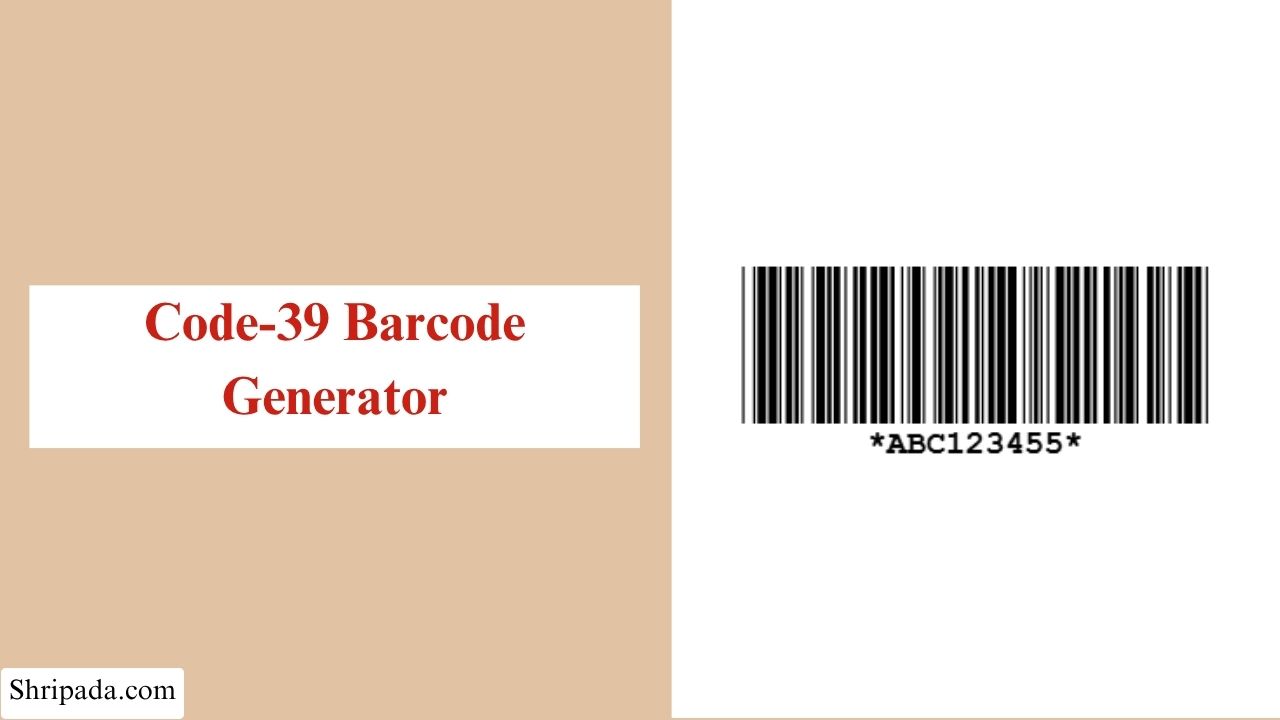
Code 39 Barcode Generator Tool
What Is a Code 39 Barcode?
Code 39 is one of the oldest barcode formats still used in many industries today. It is also known as Code 3 of 9.
Unlike UPC and EAN barcodes, which are mainly designed for numeric product identification, Code 39 can encode letters, numbers, spaces, and several special characters.
This makes it useful for part numbers, asset IDs, inventory labels, serial numbers, access cards, and other situations where an alphanumeric barcode is needed.
You may find Code 39 barcodes in areas such as:
- Military and government identification
- Shipping and logistics
- Automotive parts tracking
- Warehouse inventory
- Asset management
- Name badges
- Access control systems
- Healthcare supply chains
- Manufacturing and industrial labeling
Code 39 is especially useful when the information being encoded contains letters and numbers rather than only numeric product codes.
Why Is It Called Code 39?
The name Code 39 comes from the way its characters are encoded.
Each character uses 9 elements:
- 5 bars
- 4 spaces
Out of these 9 elements, exactly 3 are wide.
That is why the format is also called Code 3 of 9.
In simple terms:
9 elements per character + 3 wide elements = Code 39
The combination of wide and narrow bars and spaces creates a different pattern for each supported character.
What Characters Can Code 39 Encode?
| Type | Character |
|---|---|
| Numbers | 0–9 |
| Uppercase Letters | A–Z |
| Space | Space |
| Symbols | - . $ / + % |
What About Lowercase Letters?
Standard Code 39 does not have separate lowercase characters.
If you enter lowercase letters, the tool automatically converts them to uppercase.
What Makes Code 39 Different From UPC and EAN?
Retail barcodes such as UPC-A and EAN-13 are closely connected to standardized product-numbering systems. They are mainly used for retail products and numeric identifiers.
Code 39 works differently. It is designed to handle alphanumeric identifiers and is commonly useful for internal identification purposes.
1. Code 39
- Supports letters and numbers
- Supports several special characters
- Has variable length
- Can encode part numbers and asset IDs
- Can optionally use a Mod 43 check character
- Does not require a fixed number of digits
2. UPC/EAN
- Primarily numeric
- Used heavily for retail products
- Closely connected to GS1 product identification
- Follow specific fixed-format structures
This makes Code 39 a practical option when you need an alphanumeric identifier rather than a retail product number.
What Is the Modulo 43 Check Character?
Code 39 can use an optional Modulo 43 check character.
It provides an additional way to detect errors in the encoded data.
The check character is calculated from the characters in the barcode using the Code 39 character values and a modulo 43 calculation.
The result is then represented by one additional Code 39 character.
Is Mod 43 Required?
No. The Mod 43 check character is optional in Code 39.
Many Code 39 implementations do not use it.
However, some workflows may require or prefer it for additional data validation.
This tool gives you the option to turn the Mod 43 check character on when needed.
What Does "Self-Checking" Mean?
Code 39 is often described as a self-checking barcode.
Each character has a distinct bar-and-space pattern, which allows scanners to detect some types of reading errors.
However, self-checking does not mean that every possible error will automatically be detected.
For applications that require an additional validation layer, the optional Mod 43 check character can be used.
Key Features of the Code 39 Barcode Generator
1. Automatic Input Filtering
The tool checks the characters as you type.
Characters that are not supported by Code 39 are automatically blocked or filtered.
This helps prevent invalid input from being used to generate a barcode.
2. Start and Stop Characters
The generator automatically handles the Code 39 start and stop characters.
You do not need to manually add the asterisks (*) around your data.
3. Custom Barcode Appearance
You can customize the barcode width, height, Bar & background color
4. PNG and SVG Export
You can download an individual barcode as:
- PNG: for quick digital use.
- SVG: for scalable, print-ready artwork.
5. Bulk Export
When generating multiple barcodes, you can export them as ZIP file barcode images, Excel spreadsheet.
6. Barcode Breakdown
The tool can provide useful information about the generated barcode, including:
- Character count
- Check character, when Mod 43 is enabled
- Full encoded text
- Total bar and space module count
Who Can Use a Code 39 Barcode Generator?
A Code 39 Barcode Generator can be useful for businesses, technical teams, and anyone who needs to create alphanumeric barcodes for internal identification or testing.
1. Warehouse and Inventory Teams
Warehouse and inventory teams can create barcodes for:
- Asset tags
- Storage bins
- Inventory items
- Warehouse locations
- Internal tracking IDs
2. Manufacturers
Manufacturers can use Code 39 for:
- Parts
- Components
- Work-in-progress items
- Internal product identifiers
- Equipment labels
3. Logistics and Shipping Teams
Code 39 can be used for alphanumeric shipment and tracking identifiers where the receiving system supports the Code 39 symbology.
4. IT and Access-Control Teams
IT and access-control teams can create barcode identifiers for:
- ID badges
- Access cards
- Equipment
- Internal systems
5. Developers and QA Testers
Developers and QA testers can generate test barcodes for:
- Barcode-scanning applications
- Inventory management systems
- Barcode reader testing
- Other software and hardware testing
How to Use the Code 39 Barcode Generator
1. Single Code 39 Barcode
To generate single code 39 barcode, follow these simple steps:
- Enter the text you want to encode.
- Use letters, numbers, spaces, or supported Code 39 symbols.
- If necessary, enable the Mod 43 check character option.
- Select your preferred barcode width and height.
- Choose the bar and background colors.
- Click Generate Barcode.
- Review the generated barcode.
- Download it as PNG or SVG.
You do not need to manually add * at the beginning or end. The generator handles the Code 39 start and stop characters automatically.
2. Multiple Code 39 Barcodes
To generate bulk code 39 barcode, follow these simple steps:
- Enter one Code 39 value per line.
- Make sure the values use supported characters.
- Enable Mod 43 if required.
- Choose the common size and colors.
- Click Generate Barcodes.
- Review the valid and skipped entries.
- Download the results as a ZIP or Excel file.
Code 39 vs Code 128
Code 39 and Code 128 can both encode alphanumeric information, but they are different barcode symbologies.
| Features | Code 39 | Code 128 |
|---|---|---|
| Letters | Yes | Yes |
| Numbers | Yes | Yes |
| Variable length | Yes | Yes |
| Special characters | Limited standard set | Broader character support |
| Mod 43 option | Yes | Uses different check mechanism |
| Encoding density | Generally lower | Generally higher |
| Common use | Industrial, inventory, IDs | Logistics, shipping, inventory |