Code 128-C Barcode Creator (Single or Bulk) - Shripada.com
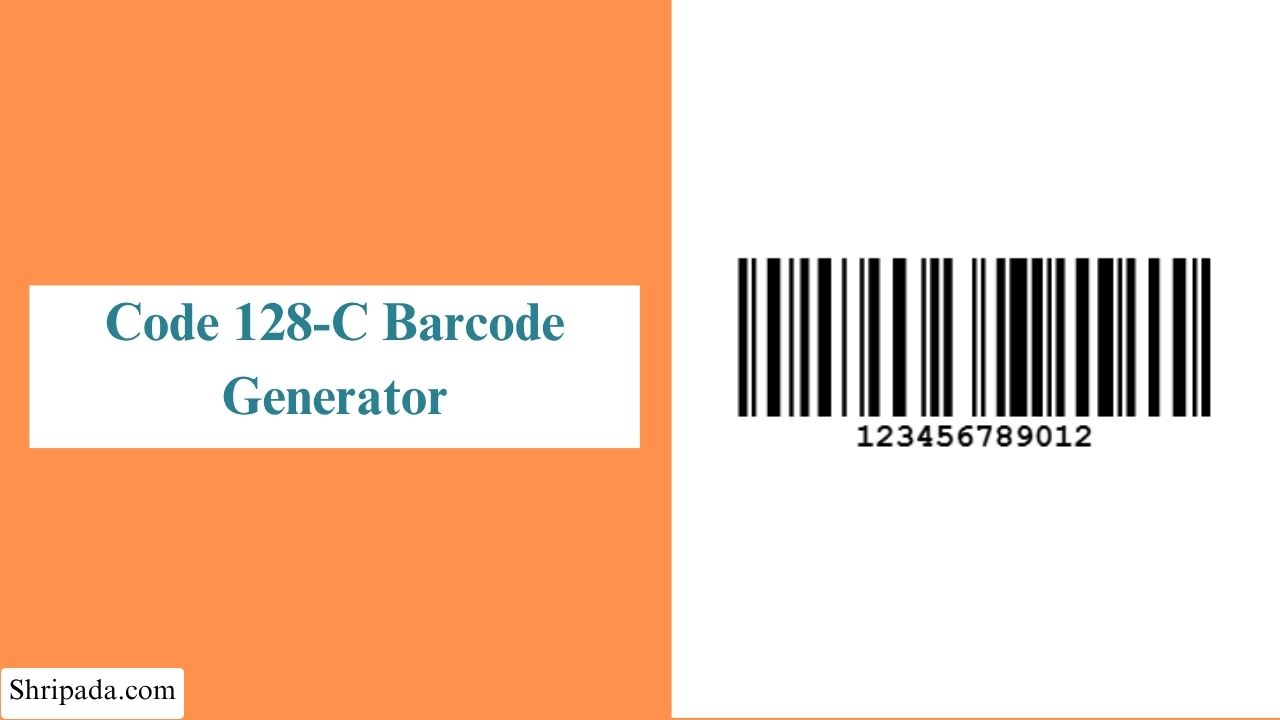
Code 128C Barcode Generator Tool
What Is Code 128C Barcode?
When a barcode contains a long sequence of numbers, the amount of space required to display it can become an important consideration. Code 128C, also known as Code Set C, is a subset of the Code 128 barcode standard designed specifically for efficiently encoding numeric data.
Its main advantage is that it represents two digits with a single Code 128 data symbol. For example, instead of handling the digits individually:
- 12345678
Code 128C groups them into pairs:
- 12 | 34 | 56 | 78
This pair-based encoding reduces the number of data symbols required to represent a numeric value, allowing long numeric sequences to be stored in a relatively compact barcode.
Code 128C Input Requirements
Code 128C is intended for numeric data that can be completely divided into two-digit pairs. Therefore, a pure Code 128C input should:
- Contain digits only
- Have an even number of digits
- Be completely divisible into two-digit pairs
Why Use Code 128C?
The main benefit of Code 128C is its high numeric density. It can represent two digits using a single Code 128 data symbol, which helps reduce the number of symbols needed for long numeric values.
For example, the 14-digit value 12345678901234 can be divided into seven pairs: 12 | 34 | 56 | 78 | 90 | 12 | 34.
Therefore, instead of representing the 14 digits individually, Code 128C represents them using seven data symbols. This makes Code 128C useful for long numeric identifiers when you want to keep the barcode relatively compact and save label space.
Common Uses of Code 128C
Code 128C can be useful in situations where identifiers contain long sequences of numbers.
1. Shipping and Logistics
Code 128C can be used for numeric tracking numbers, shipment IDs, and package identifiers where the data contains a large number of digits.
2. Warehouse Management
Warehouses can use Code 128C for numeric location codes, bin numbers, inventory IDs, and other internal identifiers.
3. Carton and Pallet Labels
Numeric carton, pallet, or shipment references can be encoded in Code 128C when the identifier contains an even number of digits.
4. Inventory Management
Businesses can use Code 128C for numeric product IDs, stock references, and inventory numbers.
5. Serial Numbers
Long numeric serial numbers can be represented using Code 128C when they meet the digit-pair requirement.
6. Order and Reference Numbers
Numeric order numbers, transaction references, and other internal codes can also be encoded using Code 128C.
Code 128A vs Code 128B vs Code 128C
Code 128 has three character subsets: Code 128A, Code 128B, and Code 128C. Each subset is designed for different types of data.
| Type | Commonly Used For | Example |
|---|---|---|
| Code 128A | Uppercase letters, numbers, and control characters | PN00234617 |
| Code 128B | Uppercase and lowercase letters, numbers, and common printable characters | TicketRef-4521a |
| Code 128C | Numeric data encoded in pairs of digits | 12345678 |
The main difference is the type of data each subset is designed to encode.
Code 128A is useful when the data contains uppercase letters, numbers, or control characters.
Code 128B supports a broader range of normal printable text, including lowercase letters and common symbols.
Code 128C is designed specifically for numeric data. It encodes two digits as a single symbol, making it useful for long numeric identifiers.
For example, the value 12345678 can be processed by Code 128C as:
- 12 | 34 | 56 | 78
The appropriate Code 128 subset depends on the characters contained in the data you need to encode.
Code 128C Generator Features
The Code 128C Generator provides useful options for creating and managing numeric Code 128C barcodes.
1. Numeric Input
Enter a numeric value to generate a Code 128C barcode. The generator accepts digits and checks whether the input meets the required Code 128C format.
2. Digit-Pair Encoding
Code 128C processes numeric data in pairs of digits. For example:
- 12345678 = 12 | 34 | 56 | 78
3. Input Validation
The generator checks the entered data before creating the barcode. Values containing letters or unsupported characters can be rejected.
If the generator requires complete digit pairs, an input with an odd number of digits can also be flagged.
4. Automatic Check Character
The generator automatically calculates the Modulo 103 check character required by the Code 128 specification. You do not need to calculate or enter it manually.
5. Custom Barcode Size
You can adjust the barcode dimensions according to your requirements, including its width and height.
6. Custom Colors
The generator allows you to customize the bar color and background color. For reliable scanning, a clear contrast between the bars and background is recommended.
7. Multiple Barcode Generation
Multiple numeric values can be entered separately to generate several Code 128C barcodes in one operation. This can be useful when working with batches of numeric identifiers.
8. PNG and SVG Download
Generated barcodes can be downloaded in supported formats such as PNG and SVG. SVG is useful when the barcode needs to be resized without losing its vector quality.
9. Simple Browser-Based Tool
The generator works directly in the browser, making it easy to create Code 128C barcodes without installing desktop software or creating an account.
How to Use the Code 128C Generator
You can use the Code 128C Generator to create a single barcode or generate multiple barcodes at once.
1. How to Generate a Single Code 128C Barcode?
- Enter Barcode Digits: Enter the numeric value you want to encode in the Code 128C Barcode Digits field.
- Set the Barcode Size: Enter the required Width (px) and Height (px) for the barcode.
- Choose Bar Color: Select the color you want to use for the barcode bars.
- Choose Background Color: Select a background color for the barcode. A good contrast between the bars and background can make the barcode easier to scan.
- Generate and Download: Generate the barcode and download it in the available format.
2. How to Generate Multiple Code 128C Barcodes?
The multiple barcode option lets you create several numeric barcodes in one operation.
- Enter a Batch Title: Enter a title to identify the batch of barcodes.
- Enter Barcode Digits: Enter one numeric value per line in the Barcode Digits (one per line) field.
- Set the Barcode Size: Enter the required Width (px) and Height (px). These settings are applied to the generated barcodes.
- Choose Bar Color: Select the color for the barcode bars.
- Choose Background Color: Select the background color. Use sufficient contrast between the bars and background for better scanning.
- Generate the Barcodes: Generate the batch to create Code 128C barcodes for the entered values.